Free
Free
Start with one guest render, then sign in for a 50-credit welcome bonus.
- 1 temporary render
- Sign in and get 50 credits
- Signed-out results are temporary
- Preview downloads
Upload a SketchUp or Rhino screenshot, choose a style, and generate a polished architectural render while preserving the original design.
Browse more render presets, pick one to reuse its prompt, then adjust the wording for your project.
Simple workflow
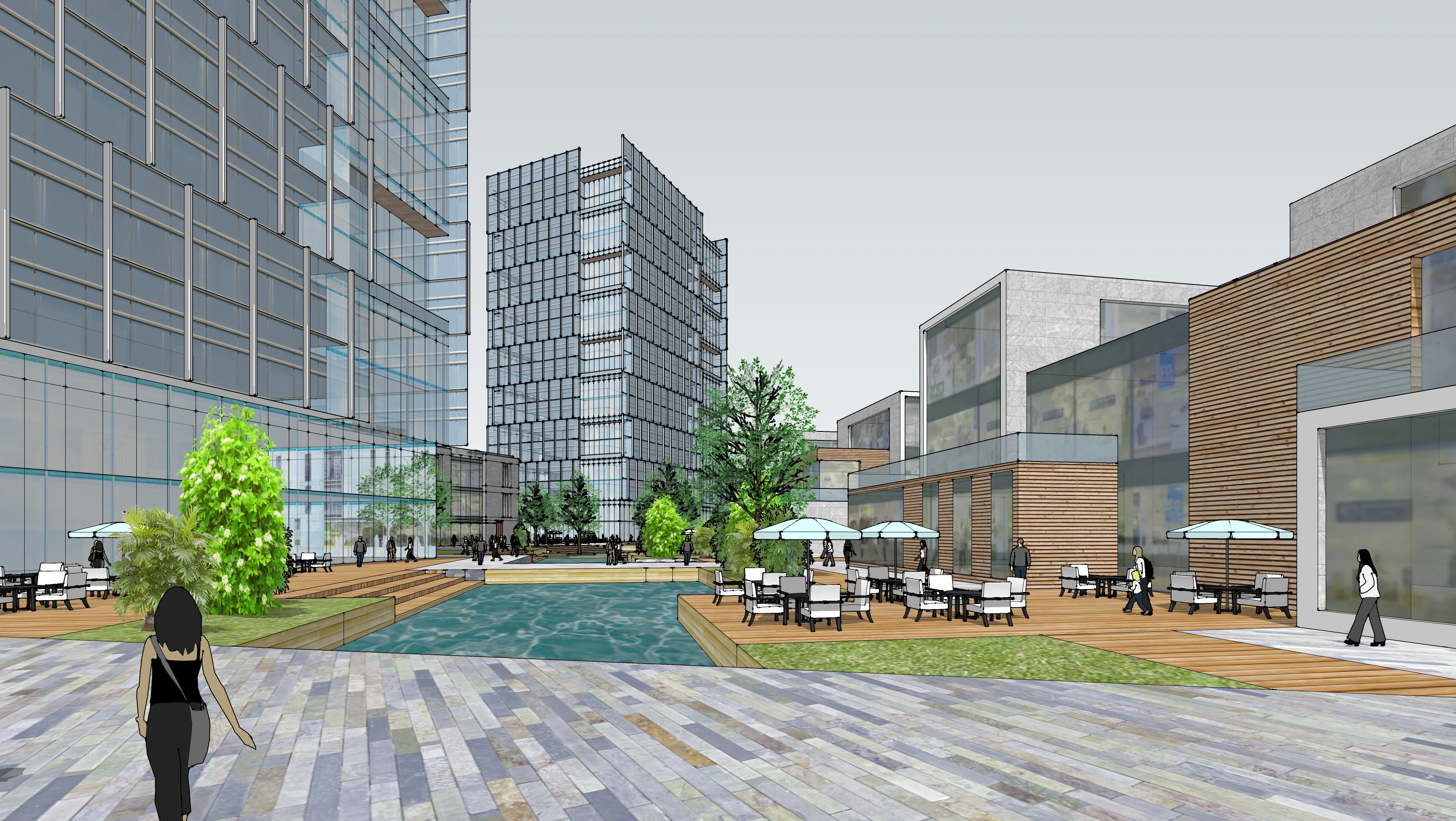
SketchUp / Rhino viewport
Use a viewport screenshot from SketchUp, Rhino, Revit, or another design tool. No 3D model file is required.
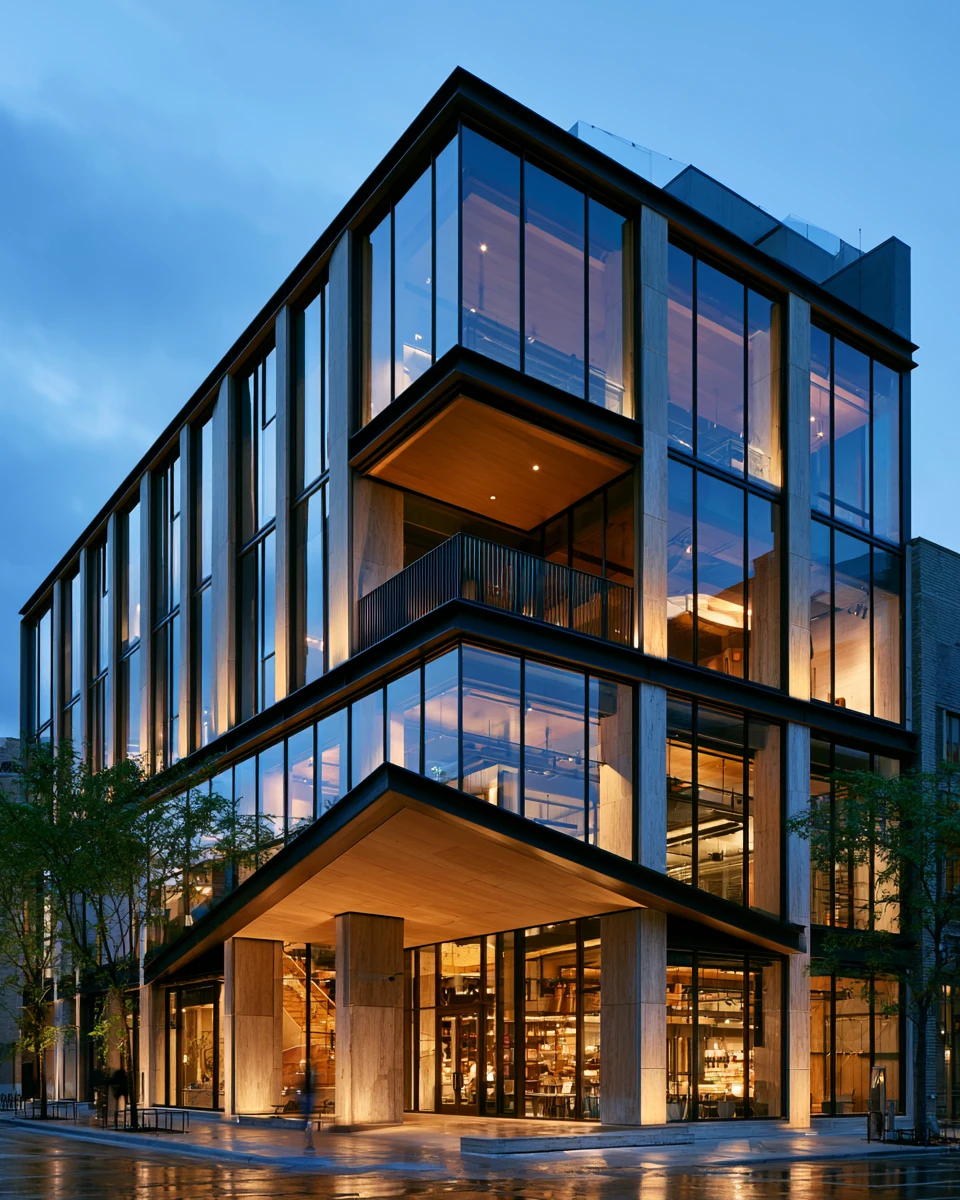
Glass, metal, warm glow, blue hour
Pick a preset, write your own prompt, or upload a reference image for mood, materials, lighting, and tone.
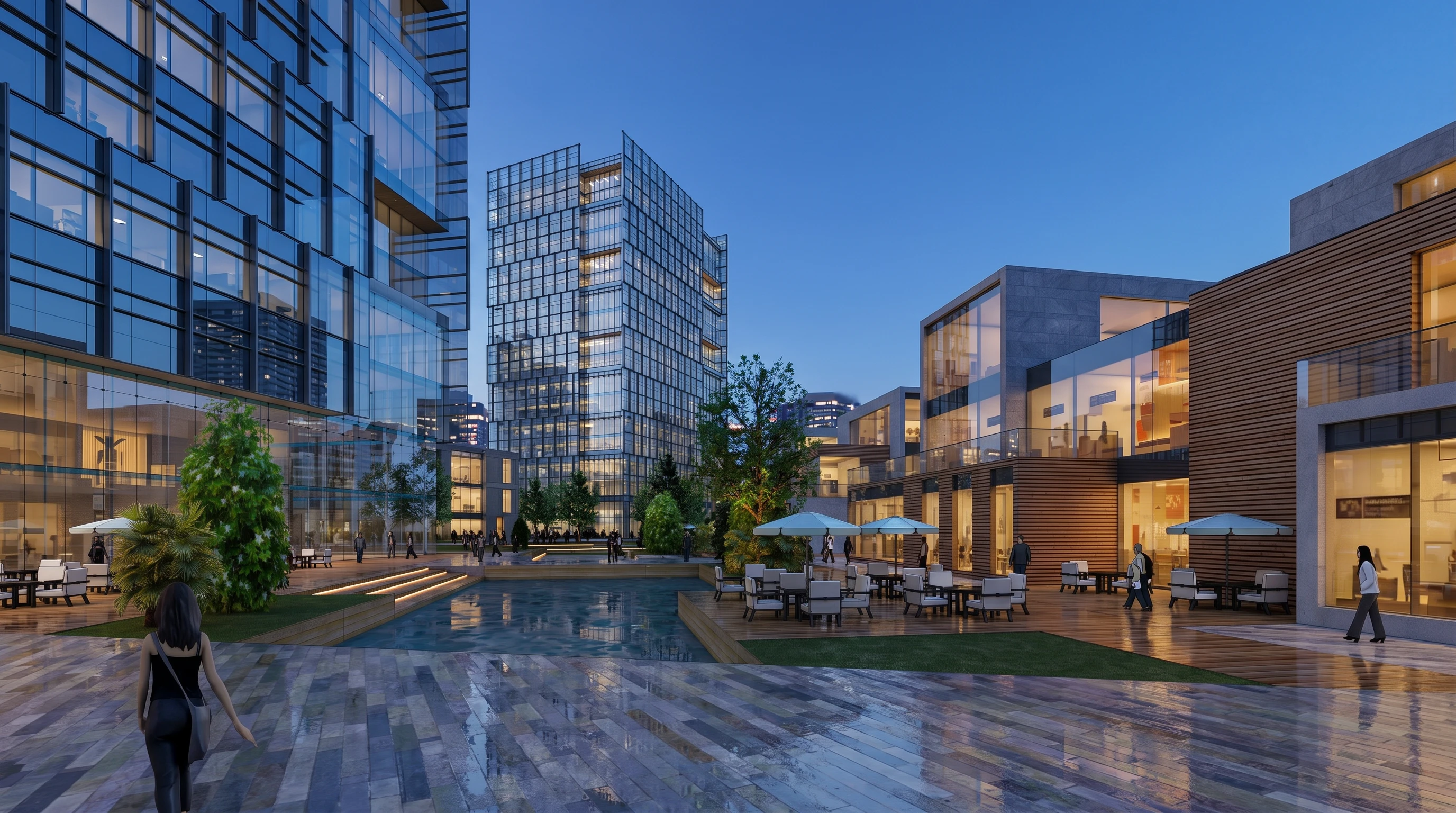
A polished architectural concept render
Create a polished concept render from the uploaded model screenshot, then download a preview or sign in to save your result.
Built for architects
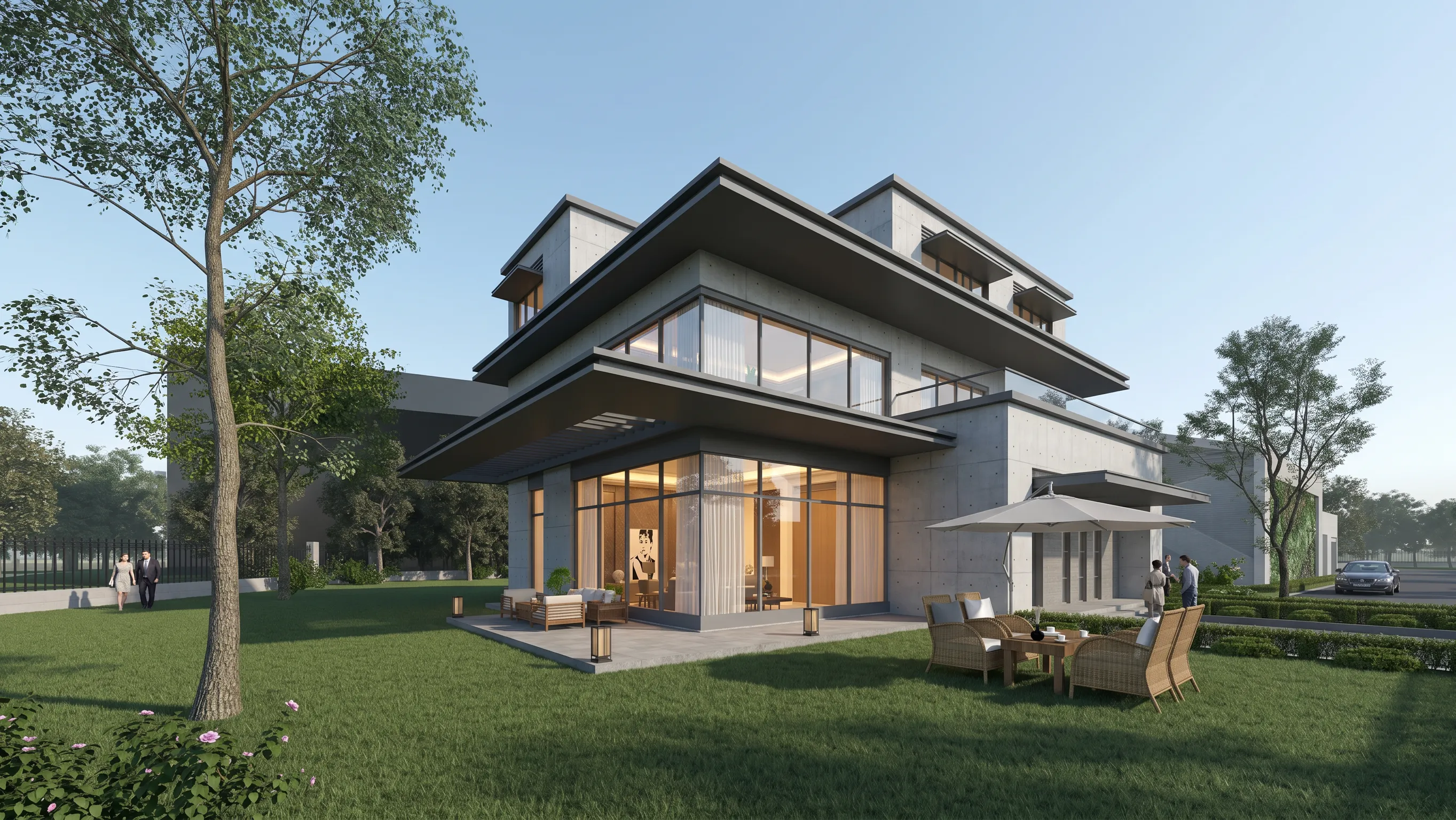
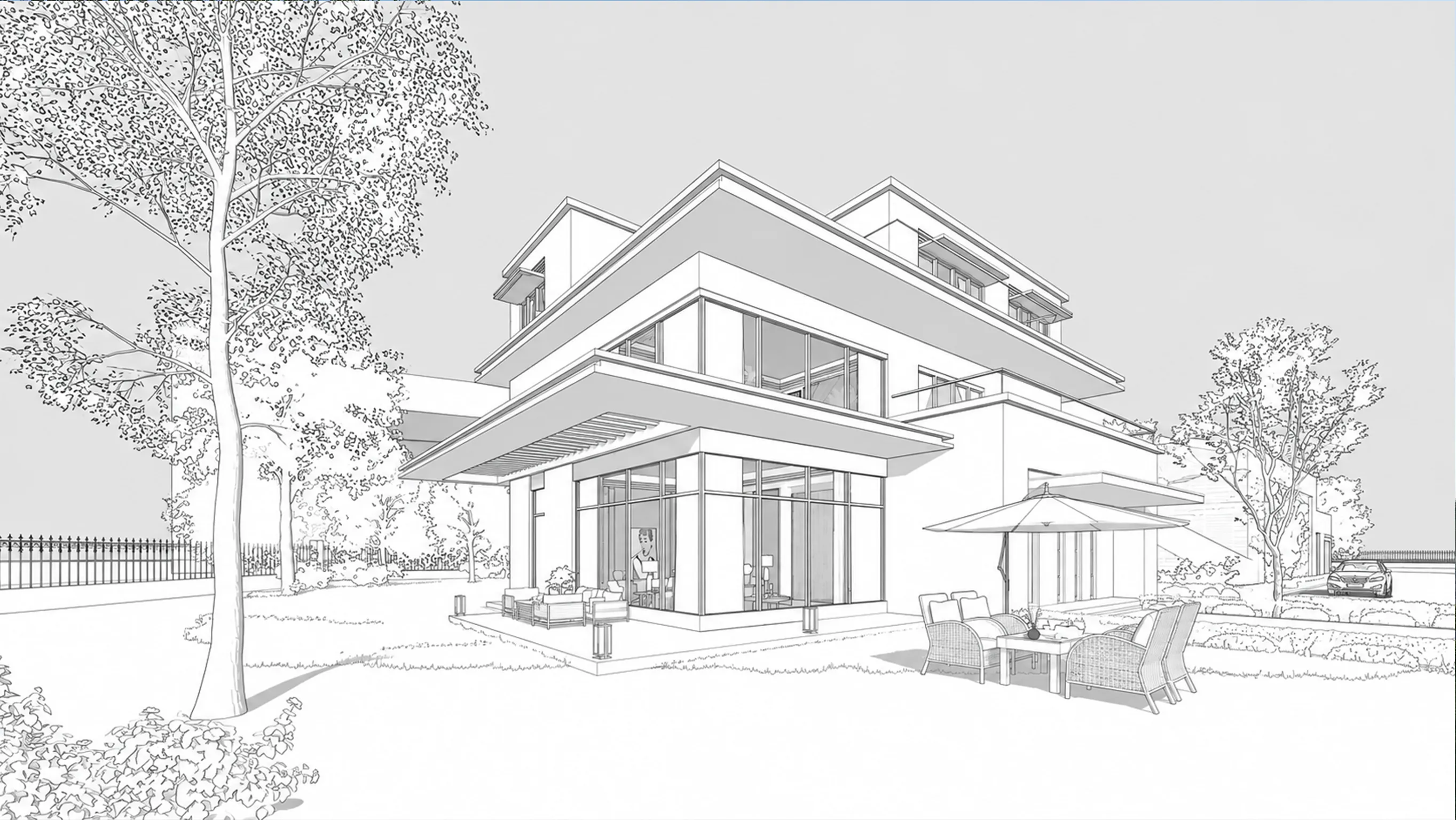
Material + light changed
Render
Style changes. Design stays readable.
Use it when you need a fast visual direction from an existing model screenshot.
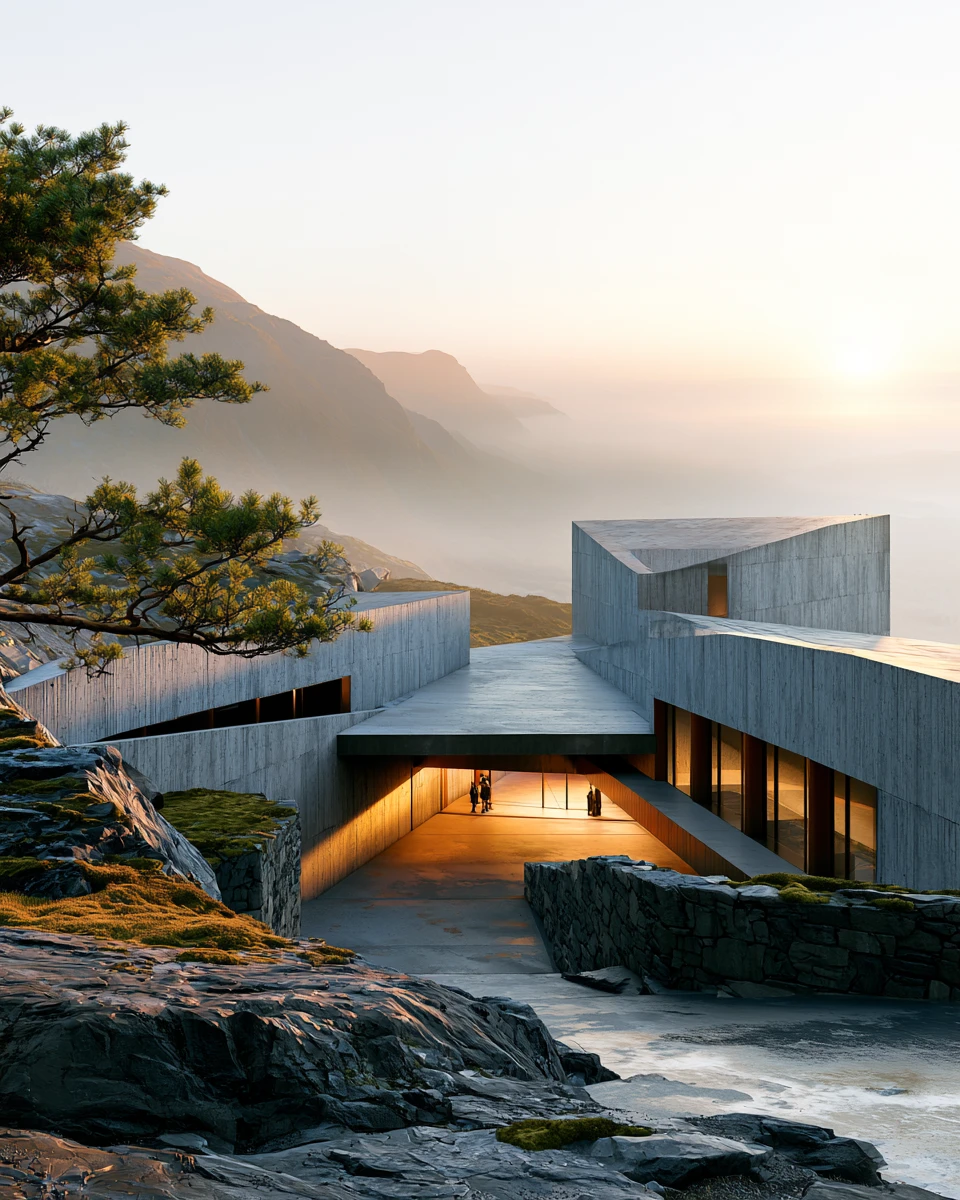
Concept
Turn a rough massing screenshot into a credible first atmosphere.
Pricing
Try the workflow before paying. Upgrade when you need saved history, clean downloads, more credits, and commercial use.
1 standard render uses 20 credits.
Start with one guest render, then sign in for a 50-credit welcome bonus.
Billed annually, $144/year
1,600 credits released each month
~80 standard renders
For individual architects testing ideas and client-facing atmospheres.
Billed annually, $420/year
5,000 credits released each month
~250 standard renders
For architects and small studios with frequent render deadlines.
FAQ
What the tool keeps, what it changes, and how credits work.
No. Upload a viewport screenshot from SketchUp, Rhino, Revit, or another modeling tool. The MVP is designed around screenshots, not native 3D files.
The goal is to keep the original massing, camera, proportions, openings, and site logic readable. It is not a CAD-constrained renderer, so small visual details may need another pass.
Yes. A reference image guides mood, lighting, materials, color tone, and atmosphere. Your uploaded model screenshot remains the source for the building form.
Yes. Use it for exterior massing studies, interior atmospheres, facade options, landscape views, and presentation-style architectural images.
One standard render uses 20 credits. Guests can try one temporary render, and new signed-in users receive 50 free credits to keep testing.
No. It is for early-stage mood studies, client options, concept visuals, and fast design iteration. Use your production renderer when you need fully controlled final imagery.
Upload one viewport screenshot, choose a render style, and generate a polished architectural draft while keeping the original design readable.